 PeckBoard
Project Planner
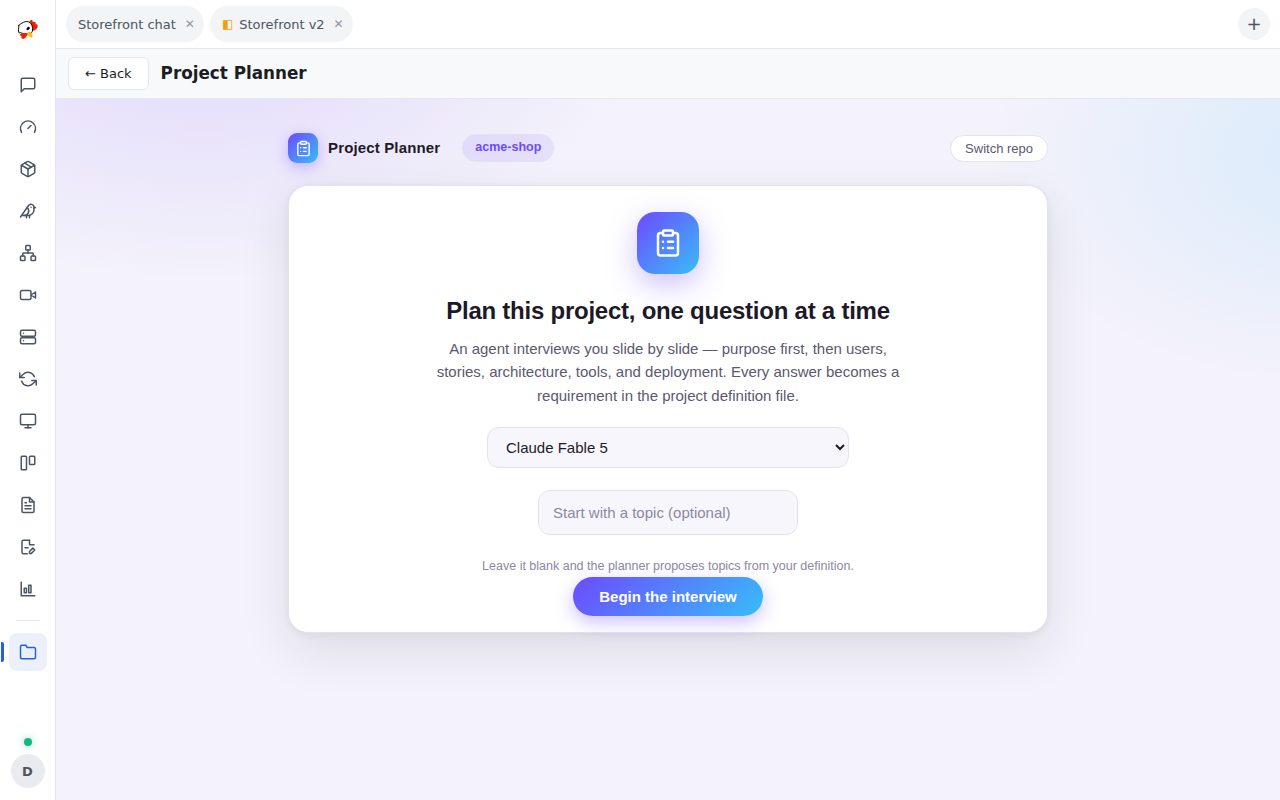
Project Planner builds a project definition file by interview: a slideshow asks one pointed question per slide and writes each answer into PROJECT_DEFINITION.md at the repo root. It launches from a repo’s row in the folder’s repo browser, and each repo’s interview runs independently.
A dedicated temporary agent session generates each slide after the last. Every slide is exactly one question — fill-in-the-blank or multiple choice with two to five options, each carrying a one-sentence justification naming its trade-off — plus a short why explaining what the question decides, and sometimes a small mermaid diagram picturing the problem. The interview establishes purpose and goal before anything else; only then does it move to users, stories, flows, architecture, technology, deployment, and monitoring. Topics too complex for one slide go into a pending-question queue the agent works through one slide at a time.
After every answer the agent writes exactly one requirement into PROJECT_DEFINITION.md, or amends the one the answer changed, and the slide’s progress trail shows what changed. An existing definition is read first and the interview continues from it. When the repo’s code already answers a question, the slide proposes that answer with evidence naming where the code shows it, for one-click confirmation. A watchdog nudges a stalled generation twice, then fails the interview with an explicit message rather than leaving the slideshow hanging.
The four MCP tools (project_planner_ask, project_planner_queue, project_planner_write_definition, project_planner_finish) are the private channel between the interview session and the slideshow — they refuse any caller except the folder’s own planner session, and the slideshow never sees chat text.
Hooks, permissions, and prerequisites
Hooks: mcp.tool.invoke, http.request.before, http.request.authed. Permissions: provide_mcp_tools, data_store, models_read, session_write, session_dispatch, session_control, session_read, session_prompt_write, project_files_read, project_files_write, user_authority, contribute_sidebar.
It needs at least one configured AI account with an available model (the highest tier is preselected — planning benefits from the strongest model), a folder containing a git repo, and write access to the repo root. Mermaid diagrams render via CDN when reachable and fall back to a styled text block offline. No settings — the model is picked per run on the start slide.